

The upcoming Coretax system runs tax administration business processes that have been redesigned in accordance with the DJP Business Directions. The following are the five main changes to the Registration business process.
Main Steps in Registration
Access & Identity Validation
Access the official Coretax website, select register and enter NIK for data verificationFill Electronic Form
Complete detailed profile information, geolocation data and economic profile dataContact & OTP Verification
Enter active email address, personal mobile number and the system will send OTP codeNPWP Issuance & Registration Statement
The system processes applications in real-time, issuance of SKTAccount Activation & New Password
Receive activation email and temporary password then log in for the first time
Password Reset
Updated 20 Nov 2026
Goodbye EFIN!
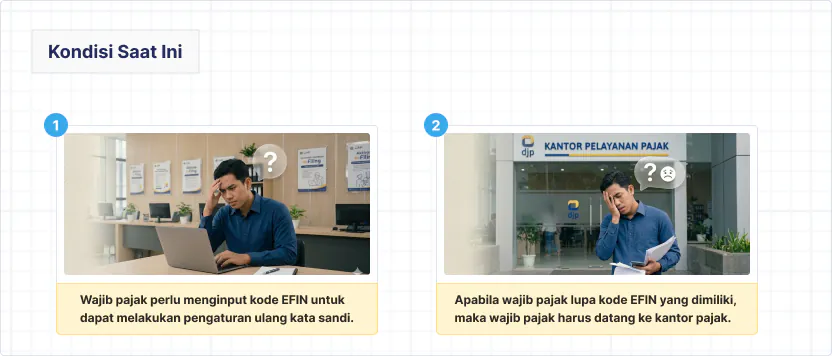
One of the difficulties (pain points) faced by current DJP service users is when experiencing password forgetting issues. If taxpayers want to reset their password, they need to know their EFIN number which is a special identification number given when taxpayers first register for digital service access. The problem is, taxpayers often don't know or remember EFIN so password reset ultimately ends in a visit to the tax office or at least contacting DJP through the forgot EFIN service channel to ask for their EFIN number again.
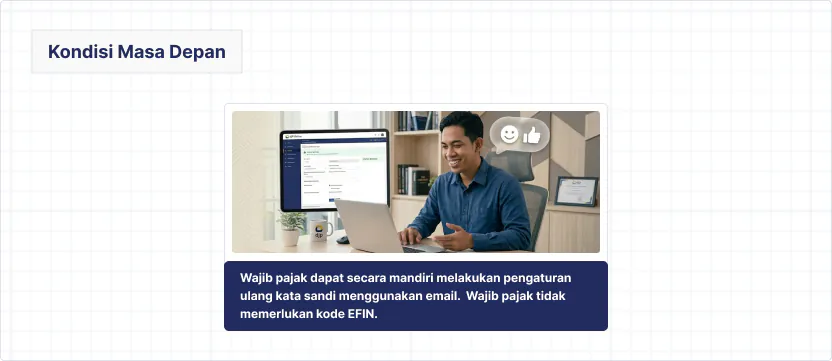
In the upcoming Coretax system, this issue can be avoided because Coretax no longer uses EFIN, and therefore EFIN is no longer a requirement for password reset. If you forget your password, you simply reset it by entering your username (which is NPWP) and registered email address, and then the system will send an email containing a link to reset your password. Simple, without EFIN.
These are the five changes to the Registration business process, intended to make it easier for you as a taxpayer to exercise your tax rights and obligations through Coretax.
Files
Leaflet - Registrasi.pdfSalindia - Registrasi.pdfLearn more at: Coretax Registration